Working together
Manage Tzevatim, Roles, and Shevet Settings
Use Manage Shevet to maintain the structure that determines who works together and what they can do.
At a glance
- 1Use Manage roles to open the role-template area and change the responsibilities available in your shevet.
- 2In the Grades section, add or update a tzevet and assign its leadership where your permissions allow it.
- 3Use Colors to update the shevet identity used around the app.
- 4Treat the Danger Zone carefully: archiving preserves the historical shevet but makes its settings read-only.
Step-by-step walkthrough
1.Keep tzevatim and roles organized
Manage Shevet is for the structure of the workspace. Edit a tzevet here; edit what a tafkid can do separately under role templates.
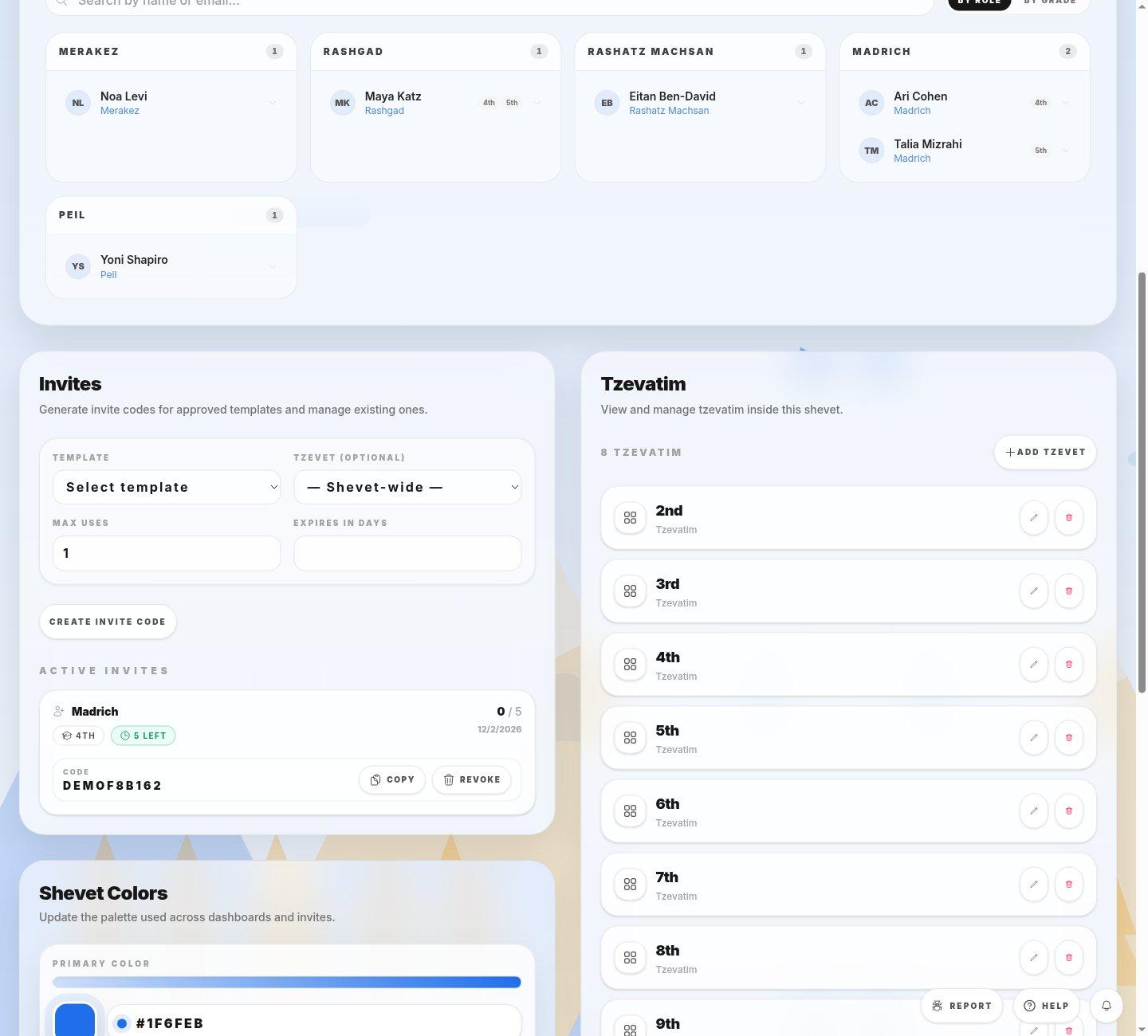
- Add tzevetUse this only for a group that needs its own place in the shevet.
- Existing tzevetUse the row’s edit control for a correction instead of making a duplicate.
- 1Open Manage Shevet. Check the Tzevatim list before adding or editing a group.
- 2Use Manage Roles to change what a tafkid can do and Members to set who belongs to a tzevet.
- 3Use Colors for the workspace appearance. Do not archive the shevet to make a routine correction; archiving makes the old workspace read-only.
If you cannot do this
- Sections appear only when your role has the matching permission.
- Do not archive a live shevet until its year is complete; the action prevents later editing.
Where to look
Grades and roles
the Manage Shevet page