Equipment and materials
Update Tzuid Statuses
Record what will be brought, bought, approved from Machsan, or cannot be obtained for an upcoming Peula.
At a glance
- 1In Machsan > Tzuid, find the equipment row for the relevant Peula or item.
- 2Use the row actions to record that the tzevet will bring it, start a purchase, or mark that it cannot be obtained.
- 3People with Machsan approval access can approve available equipment from the Machsan when the shevet uses manual approval.
- 4For reusable equipment from a completed Peula, use the Past Peulot area to record that it returned or is missing.
Step-by-step walkthrough
1.Update a row only after deciding how to cover it
A board status records what the team or Machsan has agreed to do. It does not make an unavailable item appear in stock.
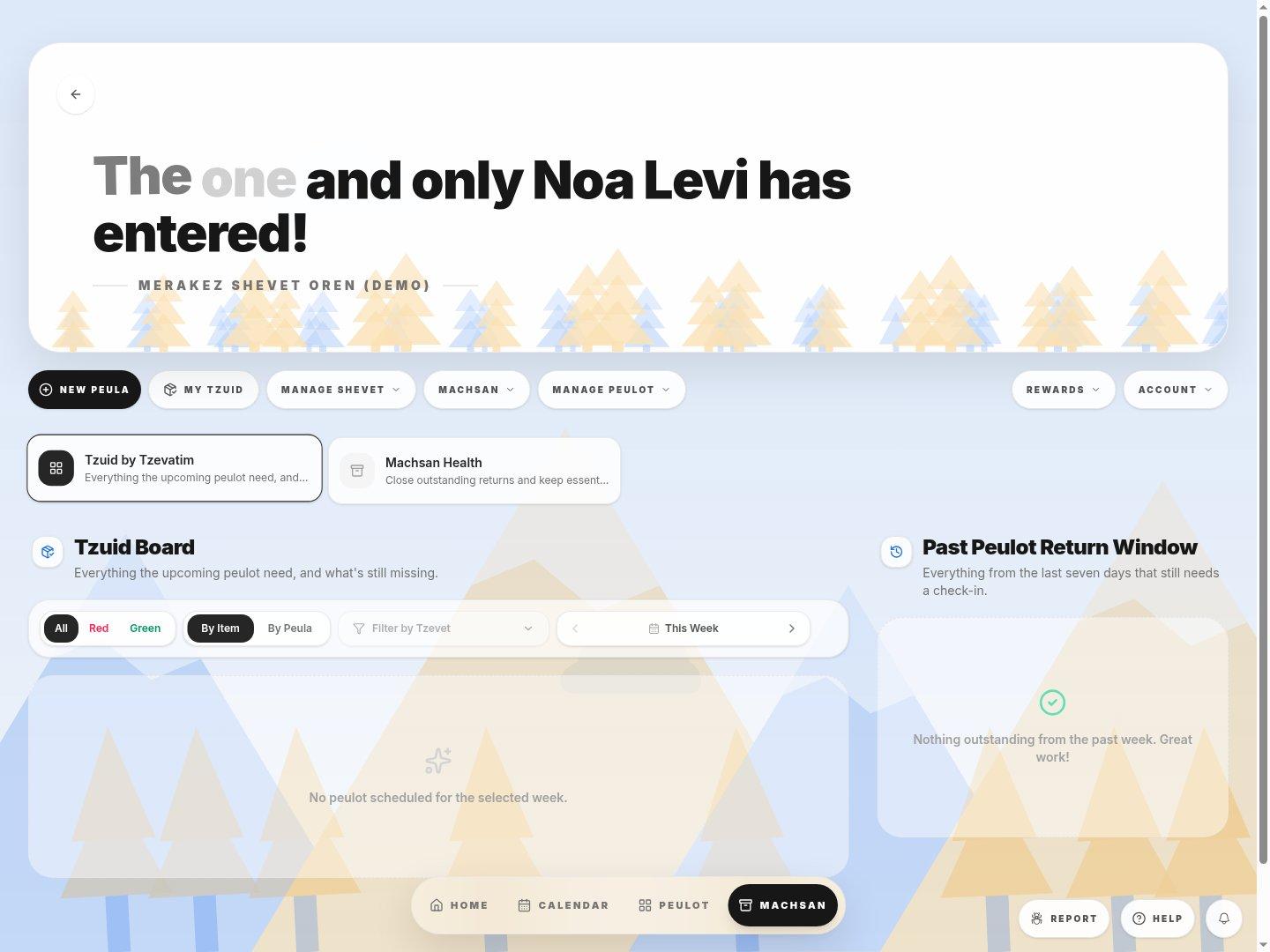
- Find the unresolved itemFilter by week and tzevet, then use Red or switch to By Item to locate the right row.
- Equipment returnRecord the outcome for reusable items after the Peula, not on its upcoming request.
- 1Find the matching Peula and item and check the needed and short amounts.
- 2Use the row action that reflects the decision: bring, buy, cannot get, or approve from stock when permitted.
- 3Check the resulting status. After the activity, record returned or missing reusable equipment under Past Peulot.
If you cannot do this
- Approval controls only appear for people who manage the Machsan, and only when the shevet uses manual approval.
- A row may already be complete because it is approved, assigned to a tzevet member, or purchased.
Where to look
Tzuid row actions
each item on the Tzuid board