Planning a Peula
Navigate the Peulot Library
Use Shevet Peulot to find Peulot by tzevet, personal ownership, or sharing without opening the editor first.
At a glance
- 1Choose a shevet if Campfire asks which workspace to open.
- 2Use the bottom tabs: Shevet Peulot for tzevet collections, My Peulot for plans you own, and Shared with me for plans another person shared.
- 3Open a tzevet card in Shevet Peulot to see its Peulot, then use the back control to return to all tzevatim.
- 4Use the search field in a collection to find a plan by title, and open its card only after you have found the right one.
Step-by-step walkthrough
1.Choose a collection before searching
The Peulot library is broader than the short list on Home. Its bottom tabs separate tzevet collections, your own work, and plans shared with you.
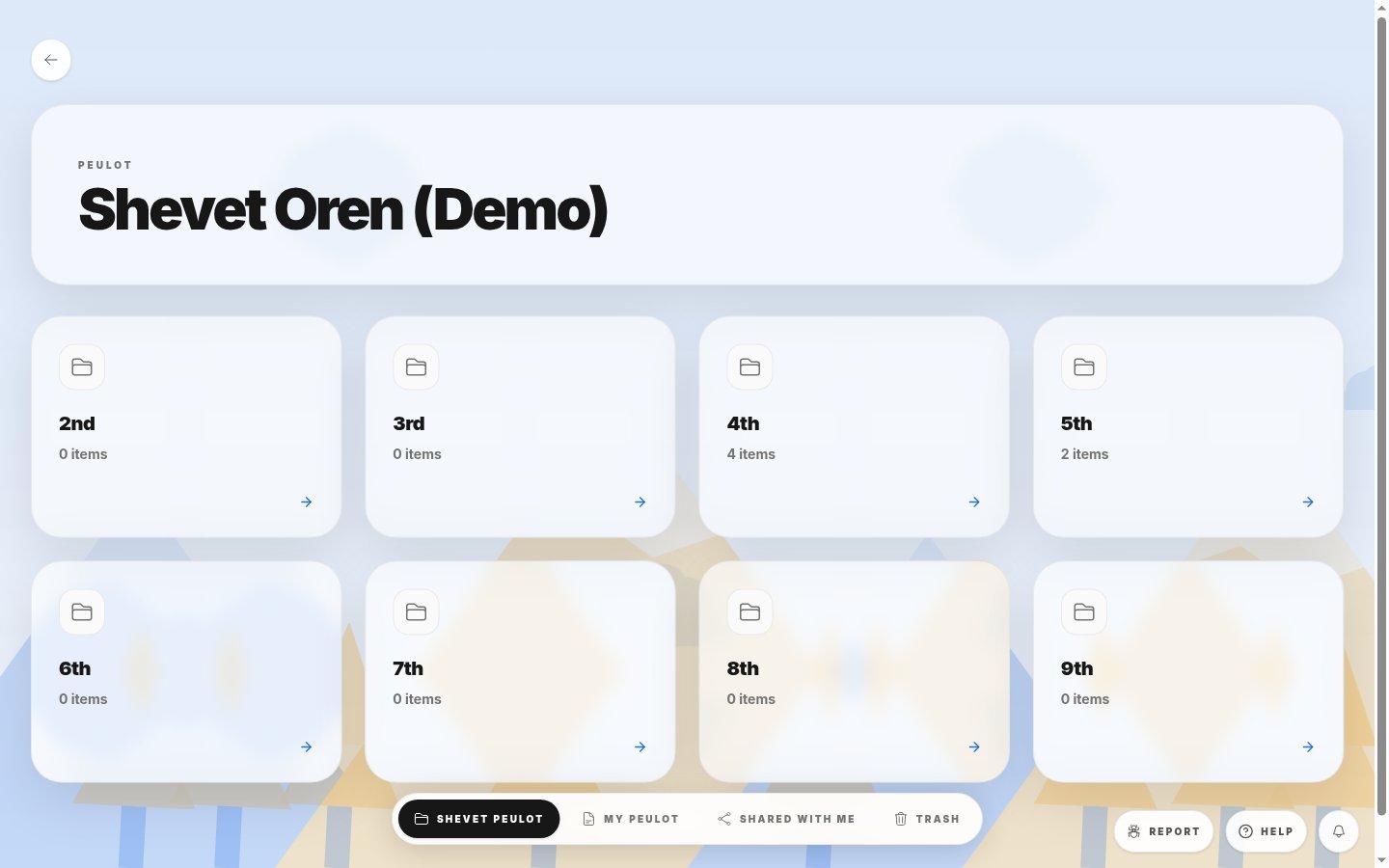
- Tzevet folderThe item count is for that tzevet’s collection. Open it to search and inspect plans.
- Collection tabsMy Peulot lists what you own; Shared with me lists what others shared with you.
- 1Open Peulot, then choose the right shevet if asked.
- 2For a team plan, select Shevet Peulot and open its tzevet card. For an owned or shared plan, use the matching tab.
- 3Search by title and check the card before opening. Use Back to leave a tzevet collection and choose a different one.
If you cannot do this
- Shevet Peulot appears only when you can view the shevet Peulot library.
- An empty collection means no Peulot match that tab or tzevet yet.
Where to look
Shevet Peulot
the Peulot library page