Calendar and attendance
Navigate Attendance
Start from the attendance overview, open a tzevet, and use the Matrix when you need a wider view.
At a glance
- 1Open Attendance to see one card for each tzevet you can access.
- 2Read each card's attendance percentage and latest count as a quick signal, then select the tzevet to open its full attendance page.
- 3Use the Matrix tab when you have access and need to compare attendance across dates or tzevatim.
- 4Use the back control to return to the shevet dashboard when you are finished.
Step-by-step walkthrough
1.Read the attendance overview
The overview shows one card for each tzevet you can access, so you can spot low turnout before opening a roster.
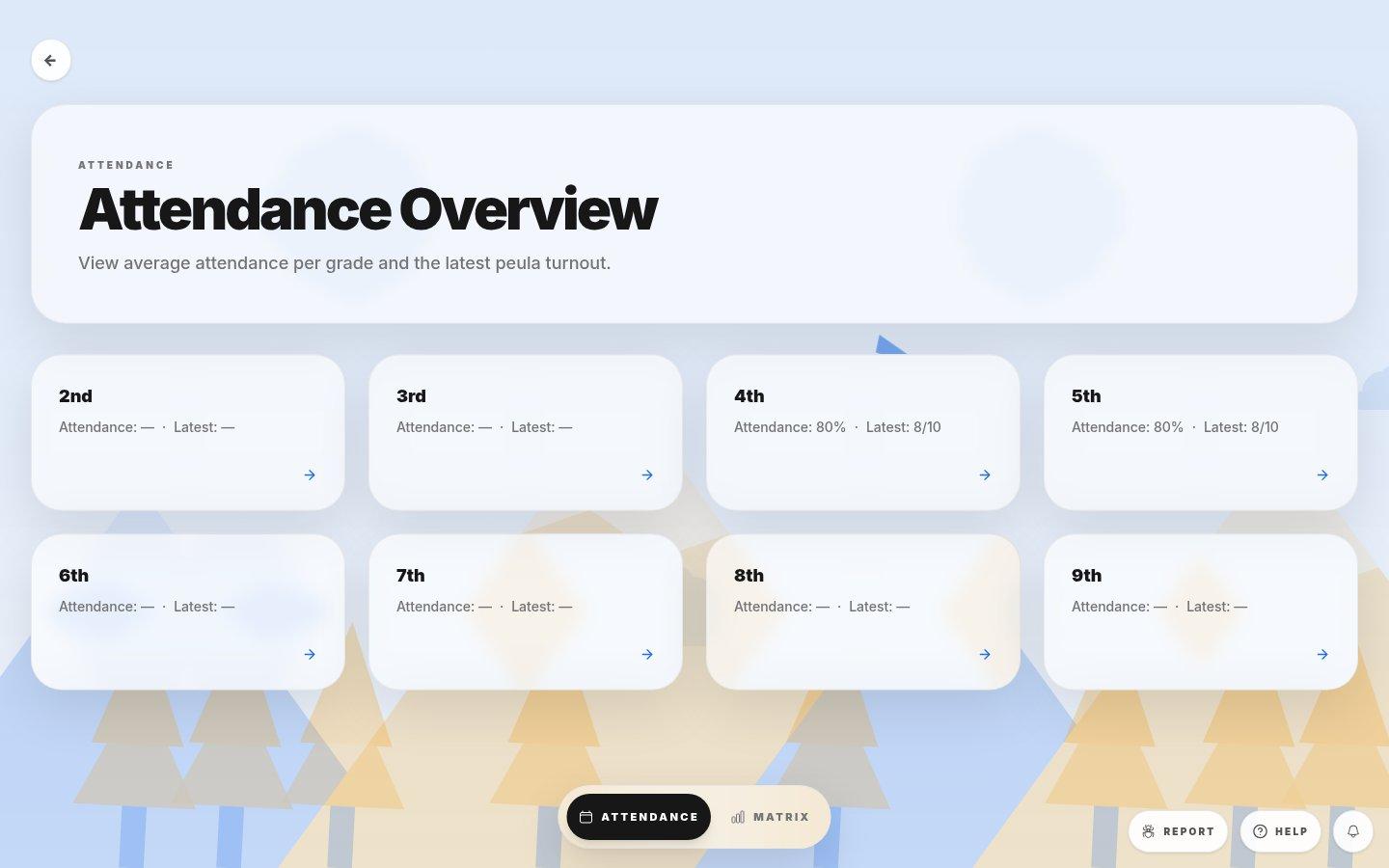
- Tzevet with recordsAttendance is the average share of chanichim marked present across all tracked dates. Latest is the count for the most recent date, for example 8 of 10.
- Tzevet without recordsA dash means no attendance has been recorded for this tzevet yet. It does not mean everyone was absent.
- Attendance and MatrixAttendance is this overview. Matrix shows every chanich against every date in one grid, if your tafkid can see it.
2.Open a tzevet
- 1Find the tzevet card you need. Cards are ordered from the youngest tzevet to the oldest.
- 2Compare the Attendance average with the Latest count. A latest count well below the average is worth a follow-up.
- 3Select the card (or its arrow) to open that tzevet's attendance page, where you record attendance and manage the roster.
- 4Use the back arrow at the top left to return to the shevet dashboard.
If you cannot do this
- An empty overview usually means no tzevatim are assigned to you or no tzevatim exist yet.
- The Matrix tab is available only to roles with matrix-view permission.
Where to look
Attendance
the attendance overview page