Working together
Edit a Shared Peula
Update the published copy’s details, visibility, and blocks without opening the original Peula editor.
At a glance
- 1Choose Edit on the shared Peula card to open the side panel.
- 2Update the title, description, and comma-separated tags so people can recognize and find the Peula.
- 3Choose Shevet only to limit the published copy to your shevet, or Global to make it available through the broader shared library.
- 4Review the Peula blocks below the metadata. Update a block title or text only when the published version needs a correction.
- 5Select Save changes, then confirm the card shows the updated visibility, title, tags, and block count.
Step-by-step walkthrough
1.Correct the library copy without changing the original
The shared copy has its own title, tags, visibility and published blocks. Update only the fields or blocks that need a correction.
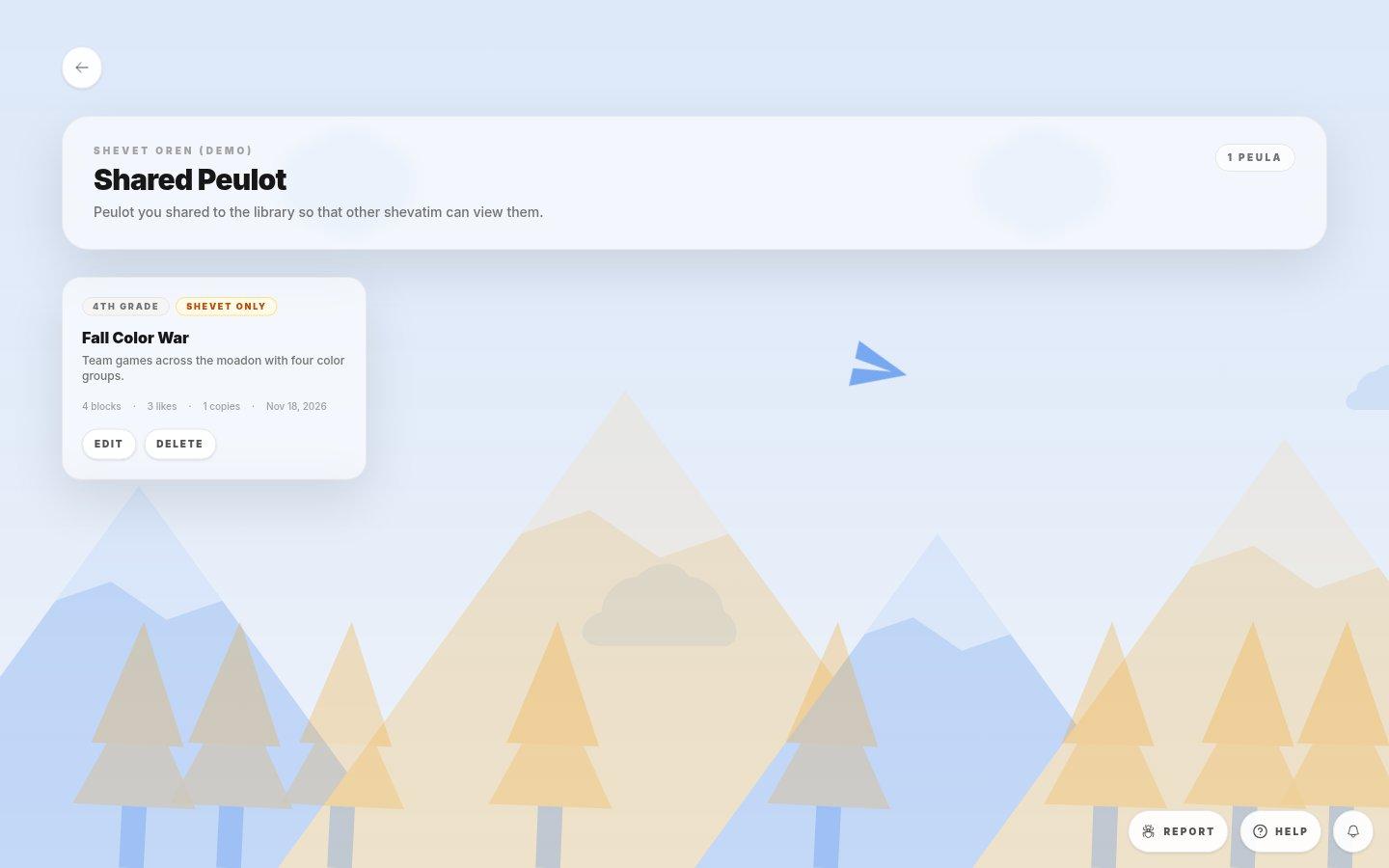
- Choose the published itemConfirm the title and use the card’s Edit action rather than opening the original Peula.
- 1Open Edit on the correct shared card. Improve the title and description or use comma-separated tags to make it easier to find.
- 2Choose Shevet only or Global, then check the published blocks for any needed correction.
- 3Save changes and verify the updated title, visibility, tags and block count on the card.
If you cannot do this
- A title is required before the shared Peula can be saved.
- The side panel edits the shared-library copy; it does not replace the original source Peula.
Where to look
Edit
a Shared Peula card